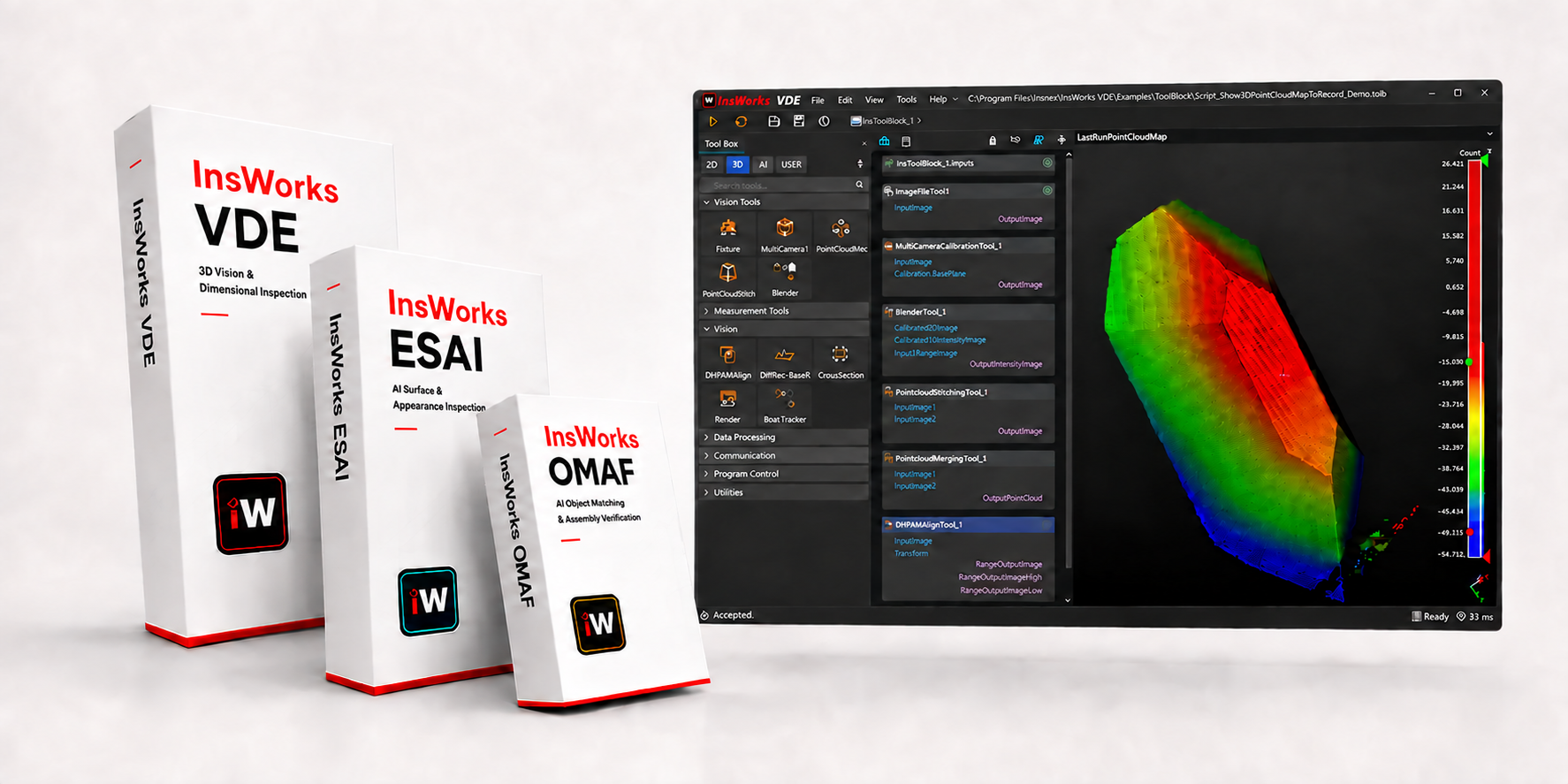
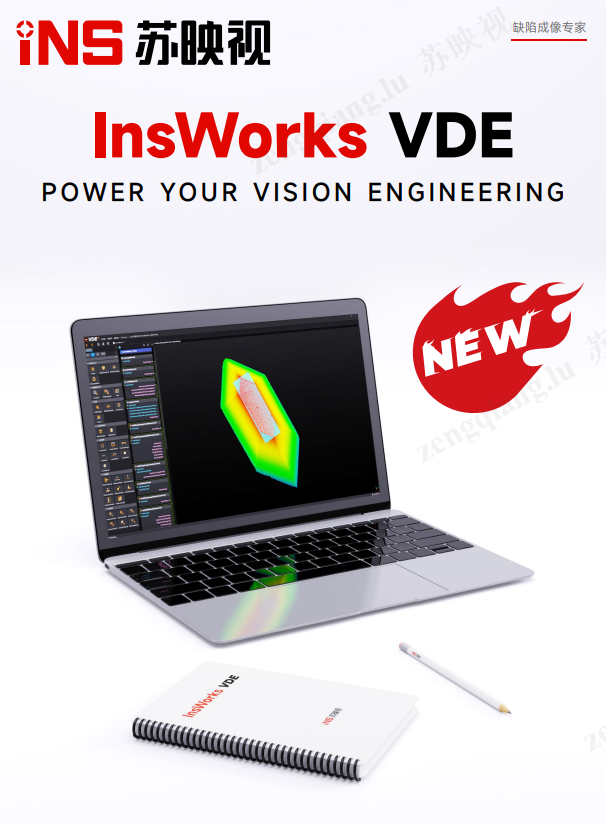
Based on InsWorks 2D + 3D + AI Build Your Visual Inspection System
From image acquisition and algorithmic processing to AI inference and on-site deployment, we build stable, accurate, and scalable industrial vision inspection systems.
Train and export a model in ESAI, load it into VDE, and complete AI inspection in one integrated workflow.
ESAI
Training complete; export model
The training results are saved as model files and delivered to subsequent vision workflows.
InsWorks ESAITraining and Export
Training CompleteExport Model
INSmodel
File ManagerD:\AIModel
INSmodel_ProjectESAI Model FileExport Complete
VDE
Load model, add to workflow
Select a model exported from ESAI and integrate it into a vision task using the EcoAI tool.
Model FileD:\AIModel
INSmodel_ProjectReady for VDESelected
INSmodel
InsWorks VDEImport and Orchestration
Load ModelAdd to Workflow
RESULT
Run the test and output the results
Model inference results are directly overlaid onto the image and continue to contribute to subsequent decisions and outputs.
Inspection CompleteEcoAI inference results have been written to the workflow
Vision Development Environment
InsWorks VDEVision Algorithm Toolkit
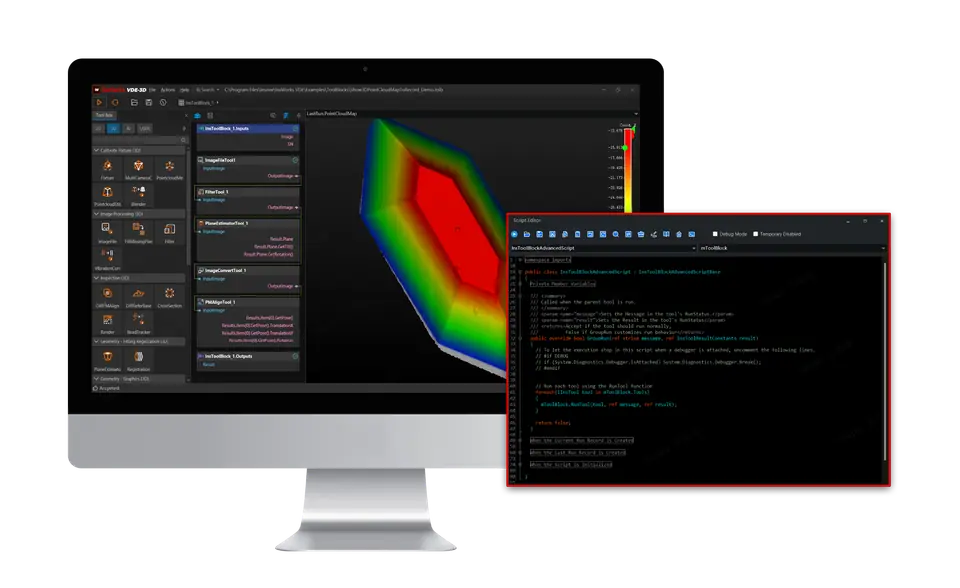
A rich collection of 2D, 3D, and AI inference tools. Build inspection tasks by drag and drop, or use C# scripts for conditional branches, parallel execution, and complex decisions.
Tool organization, process logic, and parameter tuning methods that align with the habits of experienced visual engineers.
Familiar operating paradigmTool flows, parameter panels, and interaction logic are clear and consistent
Low learning curveVisual engineers can get started right away—no need to readjust.
Smooth Project MigrationExisting engineering solutions can be quickly adapted; no need to rewrite algorithm logic.
02 / FULL CAPABILITY
Comprehensive Features
Traditional 2D, 3D, and AI inference work together within the same vision pipeline.
70+ 2D ToolsAlignment, matching, measurement, defect detection, and image processing and fusion algorithms
65+ 3D ToolsPoint Clouds, Range, Fitting, Registration, and 3D Measurement
AI Inference IntegrationSeamless orchestration of ESAI models and traditional algorithms
03 / EASY TO USE
At Your Fingertips
Modern scripting, debugging, scaling, and engineering management capabilities designed for complex projects.
Modern C# EditorSmart Autocomplete, Error Prompts, and Breakpoint Debugging
Custom Library IntegrationOpen APIs enable flexible expansion of algorithms and business capabilities
Lightweight Engineering SaveSmaller in size, loads faster, and supports automatic backups
Easy Stable AI
InsWorks ESAI
From zero-code annotation to multi-platform deployment, ESAI always delivers.
01 / ZERO CODE
Simple
From data annotation, model training, and evaluation and optimization to model export, the entire process is performed through a graphical interface.
Smart AnnotationSemi-automated pre-labeling to reduce repetitive tasks
Complete Multiple Tasks Without CodingSupports classification, semantic segmentation, instance segmentation, detection, localization, cascading, good-sample learning, OCR, and 3D detection—a total of 8 model tasks.
Adaptive Training ParametersAutomatically optimize training parameters based on data characteristics
02 / PRODUCTION READY
Stable
Designed for 24/7 industrial production line validation, balancing stable operation, inference efficiency, and continuous iteration.
99.9% reliabilityMeets the requirements for continuous operation in industrial environments
Validated in thousands of projectsProven through mass production projects across multiple industries
Full LifecycleTraining, Evaluation, Deployment, and the Continuous Learning Loop
03 / OPEN DEPLOYMENT
Easy Integration
Train once, deploy across multiple platforms—not tied to any single vision software or hardware runtime environment.
C++ / C# SDKStandalone deployment, flexible integration with existing systems
Compatible with major visual platformsIntegrates with leading platforms such as VDE, VPro, and VM
Full hardware supportCovers CPUs, GPUs, and edge computing devices
SMARTER VISION INVESTMENT
Smarter Investments in Vision Technology
With world-class 2D + 3D + AI full-stack capabilities, we serve China’s manufacturing sector with a more reasonable cost structure. Allocate your budget to more production lines and more innovation, rather than software license fees.
Pay for capabilities, not brand premiums. InsWorks focuses its R&D investments on tools that truly impact production line efficiency—65+ 3D tools, industry-leading inference performance, and a modern development experience.
40%
Average project delivery time has been reduced
50%+
Lower Total Cost of Ownership for Equivalent Capabilities
0
No hidden fees, perpetual license + transparent annual maintenance
Customer Validation
Proven in demanding production environments
The mass production experience of leading companies is the best endorsement of our products.
200+Industry Clients500+Mass Production Implementation Projects99.9%System Operational Stability7×2424/7 Technical Support
05 / APPLICATION SELECTOR
Not sure which software to choose? Start here.
Answer a few quick questions, and we’ll recommend the right InsWorks applications based on your role, industry, tasks, and delivery method.
STEP 01 / 04
Please select your role
Different roles have varying levels of interest in development depth and delivery methods.
STEP 02 / 04
Which industry does this project belong to?
Used to match common processes, imaging methods, and vision tasks.
STEP 03 / 04
What are the main tasks to be completed?
Please select the most core visual capabilities for the current project.
STEP 04 / 04
How would you like this to be delivered?
Select the option that most closely matches the project’s actual implementation.
1 / 4
RESULT
After completing the selection View recommendation results
Your choices will be displayed on the left and the results will be automatically generated at the last step.